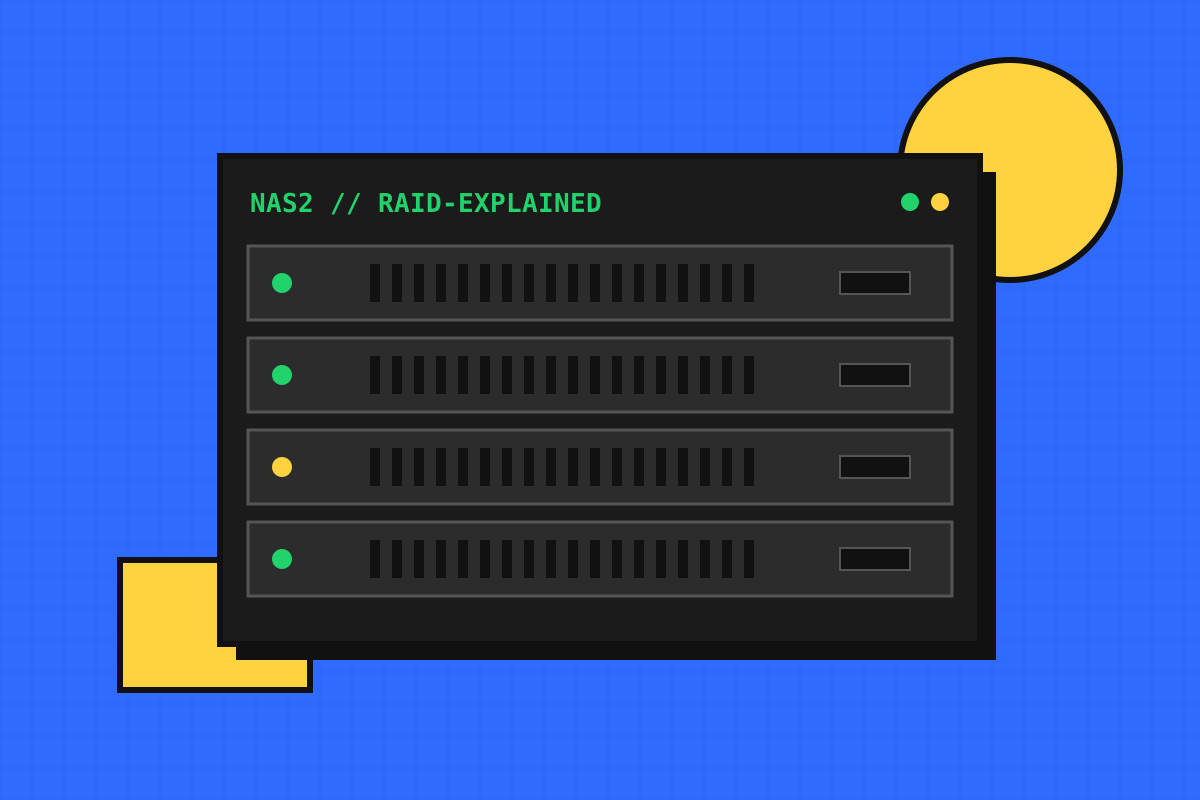
RAID combines several drives into one logical volume to improve speed, capacity, safety, or a mix of these. Choosing the wrong level is one of the most common NAS storage mistakes, so it is worth understanding the options before you set up.
The common RAID levels
| Level | Min drives | Usable capacity | Survives |
|---|---|---|---|
| RAID 0 | 2 | All drives combined | Nothing. One failure loses everything |
| RAID 1 | 2 | One drive worth | All but one drive |
| RAID 5 | 3 | Total minus one drive | One drive failure |
| RAID 6 | 4 | Total minus two drives | Two drive failures |
| RAID 10 | 4 (even) | Half of total | One per mirrored pair, at least one |
Which one should you pick?
- 2 bays: RAID 1 (a mirror). Simple and safe.
- 4 bays: RAID 5 balances capacity and safety, RAID 6 is safer with large drives, RAID 10 is fastest for many small files.
- 6+ bays: RAID 6 is the sensible default for important data.
Why large drives favour RAID 6
When a drive fails, the array rebuilds onto a replacement. With today’s very large drives a rebuild can take many hours or even days, and a second failure during that window destroys a RAID 5 array. RAID 6 tolerates that second failure.
ImportantRAID protects against a drive dying. It does not protect against deletion, corruption, ransomware, fire or theft. You still need real backups.
Try the numbers
Use our RAID calculator to see exactly how much usable space each level gives you with your drives, or learn how to calculate RAID 5 capacity by hand. On a Synology? See our Synology RAID calculator guide for SHR.