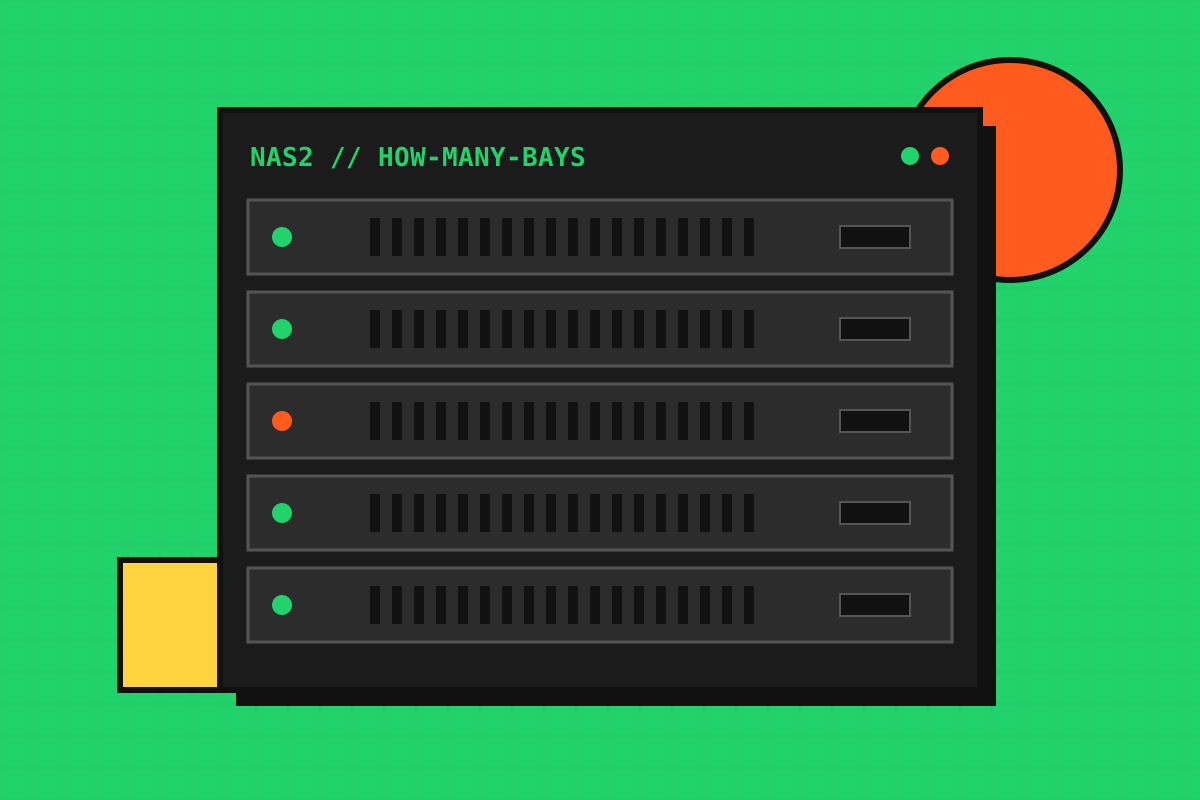
The number of bays decides how far you can expand and which RAID levels are possible. Buying too small forces a costly upgrade, while buying too big wastes money on empty slots.
Step 1: measure what you have
Add up your photos, videos, documents, computer backups and media library. Be honest about video, which grows fastest.
Step 2: add growth
Estimate how much you add per year and plan for three to five years. Then add roughly 20 percent headroom, because a volume that is nearly full slows down and becomes harder to manage.
Step 3: match bays to the plan
| Bays | Good for | Typical RAID |
|---|---|---|
| 2 | Home users, photo libraries, simple backup | RAID 1 |
| 4 | Families, small offices, media servers | RAID 5 / 6 / 10 |
| 5–6 | Growing libraries, creative work | RAID 5 / 6 |
| 8+ | Teams, large video archives | RAID 6 |
Keep a spare bay if you can
Starting with fewer drives than bays lets you add capacity later without migrating everything. Check that your NAS supports expanding the array with the RAID level you chose.
ShortcutSkip the arithmetic: our NAS size picker recommends bay and drive combinations from your numbers. Then check the usable space with the RAID capacity calculator and pick drives using our NAS hard drive guide.